Link Building for SaaS Companies: Pages That Deserve Your First Backlinks
October 27, 2026
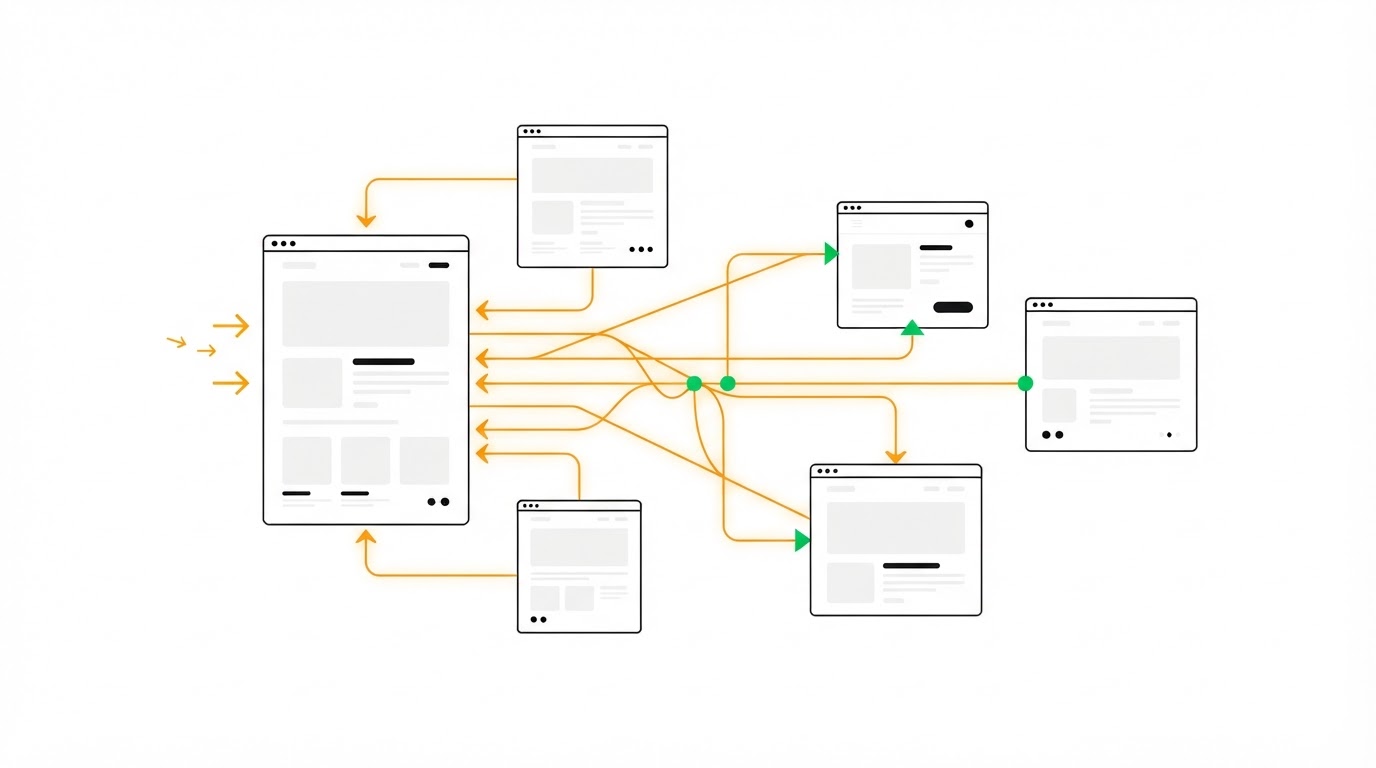
SaaS teams often point new backlinks at the homepage, then wonder why trial sign-ups and product-page rankings barely move. A focused page-selection plan gives every placement a job. As a backlink provider, backlinksonautopilot.com helps SaaS companies focus link acquisition on pages that can support both organic visibility and commercial growth.
Quick answer: how to choose pages for link building for SaaS
Use this workflow before you start outreach or purchase placements:
- List pages with a clear search intent, conversion path, and enough substance to deserve a referral.
- Start with resource content that already ranks near page one or addresses a recurring buyer problem.
- Promote comparison pages where prospects evaluate alternatives and need evidence.
- Build links to integration pages when the integration has an established user base and partner relevance.
- Support product-led assets, such as templates and free tools, when users can share or cite them naturally.
- Prioritize URLs by business value, ranking opportunity, topical relevance, and internal-link reach.
- Track referral traffic, keyword movement, assisted conversions, and the quality of linking domains by target URL.
For link building for SaaS, the strongest first targets usually sit between awareness and purchase. They answer a buyer's practical question while creating a direct path to a demo, trial, template, or product workflow.
How to choose SaaS pages that deserve backlinks
Every target page needs three qualities: a real audience, a meaningful next action, and a clear topical relationship to the sites you approach. Traffic potential alone can lead to a weak backlink plan when the page attracts visitors who never need your product.
Start with your Google Search Console data. Export the previous 90 days of queries, pages, impressions, clicks, and average position. Google explains how its Search Console performance reports surface the search terms and pages driving visibility. Flag URLs ranking roughly between positions 5 and 20, since a relevant placement and stronger internal linking can support a page already close to better visibility.
Then assess page depth. A thin feature page gives a publisher little reason to reference it. A page containing workflows, screenshots, use cases, original templates, or decision criteria gives outreach a stronger editorial angle.
Use a running example: WorkflowPilot is a fictional project-management SaaS. Its team has five candidate URLs:
| Target page | Searcher intent | Commercial value | Link-building priority | Reason for the decision |
|---|---|---|---|---|
/resources/client-onboarding-checklist | Learn and apply a process | Medium | High | Useful editorial resource with a trial CTA and broad outreach relevance |
/compare/workflowpilot-vs-asana | Evaluate an alternative | High | High | Captures an active evaluation stage and supports sales conversations |
/integrations/slack | Connect existing tools | High | High | Relevant to partner, workflow, and productivity content |
/templates/weekly-planning | Download a working asset | Medium | Medium | Shareable asset, provided the template is genuinely useful |
/features/task-management | Review a feature | Medium | Low | Narrower editorial appeal and limited standalone search demand |
The team initially planned to send every first link to /features/task-management. That URL had a trial button, yet it lacked a distinct resource angle. The onboarding checklist became the first target because it could attract relevant links, pass internal authority to commercial pages, and introduce WorkflowPilot to new users.
Build links to SaaS resource content first
Resource content often gives a SaaS company its widest set of credible link opportunities. Good candidates solve a recurring work problem, help users complete a task, or organize information that would otherwise require several searches.
For WorkflowPilot, the client onboarding checklist includes a downloadable checklist, a seven-step implementation process, ownership guidance, and examples for agencies and internal teams. A project-management blog, agency operations newsletter, or client-success resource page can reference that asset with a clear editorial rationale.
Choose resources with a defined audience. Broad posts such as “The Ultimate Guide to Productivity” rarely give you a precise outreach angle. A guide such as “Client Onboarding Checklist for Marketing Agencies” gives you industries, job roles, related software categories, and partner communities to approach.
Build the asset before promoting it. Google’s guidance on creating helpful, reliable, people-first content supports the same practical standard: make the page useful enough that a publisher can recommend it with confidence.
Add internal links from the resource page to one relevant solution or feature page. In the example, the checklist links to WorkflowPilot's project templates and collaborative task-management workflow. This creates a route from informational visitors to product evaluation.
For a wider acquisition framework, read How to Build Backlinks for SaaS, which covers prospecting and campaign planning beyond target-page selection.
Use comparison pages for link building for SaaS buyers
Comparison pages serve people close to a decision. They can rank for alternative and versus searches, answer sales objections, and create a destination for links from review roundups, migration guides, and category content.
A useful comparison page presents fair criteria: pricing model, target user, core workflows, implementation effort, reporting, collaboration, and integrations. It should include specific situations where each tool fits best. Balanced detail makes the page more credible to readers and publishers.
WorkflowPilot's /compare/workflowpilot-vs-asana page targets teams seeking a structured onboarding workflow. Its strongest angle is not a generic feature grid. The page explains how agencies can assign client tasks, templates, approvals, and handoffs in one repeatable project structure. That creates relevant outreach opportunities with agency operations publications and implementation consultants.
Keep the page current. Old screenshots, retired features, and vague claims create risk for both conversion and outreach. Assign an owner to review comparison pages every quarter, especially after a major product release.
Comparison URLs also benefit from links to adjacent educational content. Link the onboarding checklist to the comparison page where the context fits, using descriptive anchor text such as “project-management platform comparison for agencies.”
Promote SaaS integration pages with partner context
Integration pages can become high-value targets because they connect your product to software users already rely on. The best pages explain a real workflow rather than simply showing two logos and a Connect button.
WorkflowPilot's Slack integration page should show a concrete sequence: create a project task in WorkflowPilot, post an update to a Slack channel, assign an owner, and keep the discussion linked to the task. That page can earn links from collaboration-tool roundups, workflow tutorials, and partner-focused resource content.
First, verify that the integration is stable and accessible to the intended plan level. Then build supporting content around the workflow, such as a Slack project handoff template or an agency communications guide. The integration page gains stronger relevance when these assets link back to it.
Partnership outreach requires care. Ask partners for inclusion where the page contributes a genuine use case, guide, or co-marketing asset. Avoid mass requests for generic partner-directory listings. Relevance, editorial oversight, and organic fit are core checks in a quality backlink evaluation.
Earn links with product-led SaaS assets
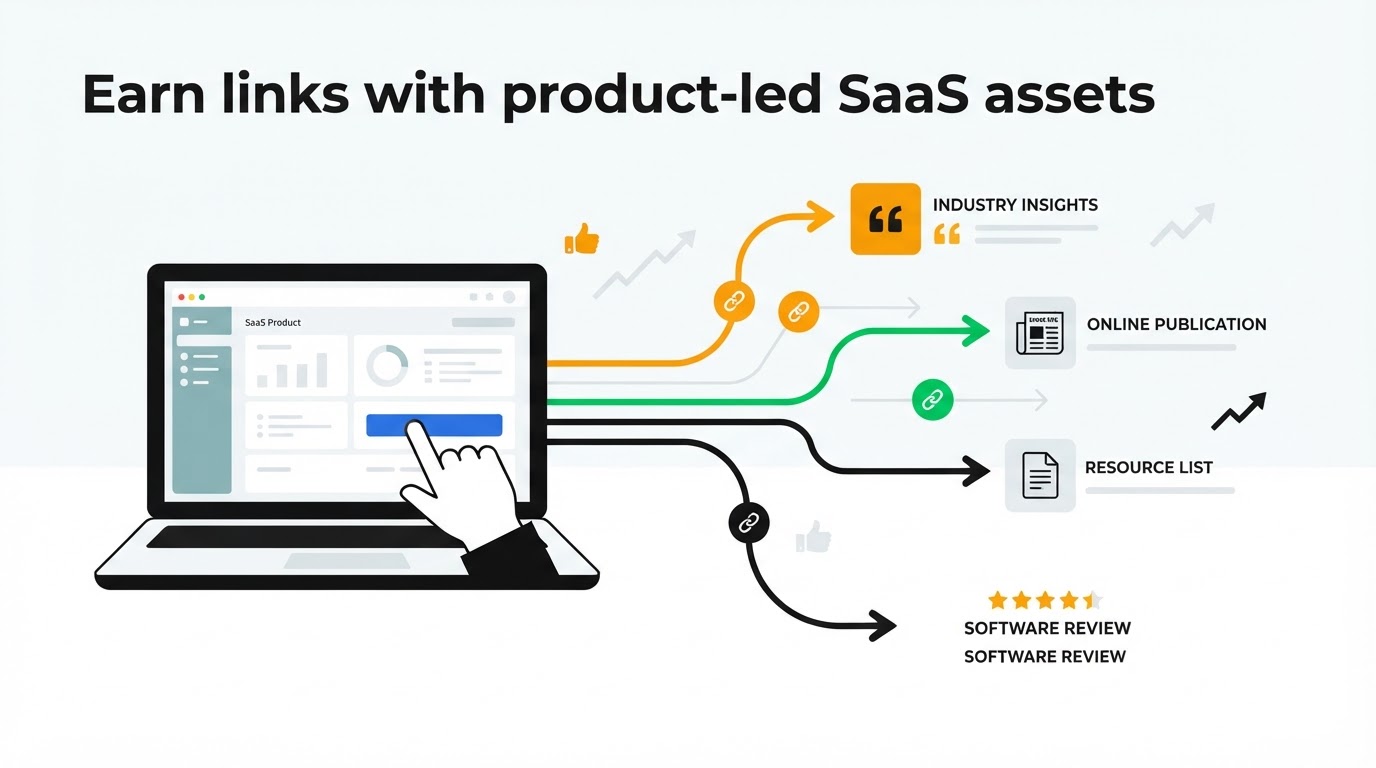
Product-led assets bring a product experience into the content itself. Templates, calculators, checklists, free generators, public examples, and lightweight tools can work well when they solve a narrow problem quickly.
WorkflowPilot's weekly planning template is a sensible target when users can copy it, adapt it, and invite teammates. The asset should make its value clear before a visitor creates an account. A short preview, usage instructions, and screenshots help publishers understand what they are recommending.
Choose product-led pages based on utility and distribution potential. A free tool with no search demand or referral audience can consume substantial development time without creating many credible link opportunities. Start with an asset that supports an existing high-intent topic, then test whether visitors use and share it.
Use product structured data where it accurately reflects the page and its offering. Google's Product structured data documentation explains the eligible properties and implementation expectations. Structured data supports search understanding when the on-page information is accurate.
Prioritize your SaaS link-building targets by business value
A simple scoring model prevents teams from chasing the easiest pages to pitch. Score each candidate from 1 to 5 across four areas: commercial value, organic opportunity, relevance to likely linking sites, and internal-link reach.
A resource page can score highly on relevance and reach. A comparison page can score highly on commercial value. An integration page often performs well across all four when there is active partner demand. Your first campaign can include two or three pages rather than spreading a small number of links across every URL.
For WorkflowPilot, the first three targets are the onboarding checklist, the Asana comparison page, and the Slack integration page. The feature page stays in the internal-link path until it gains a more distinctive editorial angle.
This prioritization also helps with budget decisions. A sustained campaign focused on a few important URLs usually produces cleaner reporting than scattered one-off placements. See one-time vs. monthly link building for the planning trade-offs.
How Backlinks Autopilot supports SaaS link-building campaigns
Once you have selected target pages, a managed provider removes much of the prospect research, publisher coordination, and placement follow-up. The campaign still needs direction from your team because product positioning and page quality determine whether a link can produce commercial value.
With Backlinks Autopilot, begin by reviewing the service process and defining the URLs you want to strengthen. Supply the audience, category, key use case, and any pages that require extra care, such as a comparison or integration page.
Next, assess prospective placements against the target page's topic. The WorkflowPilot checklist calls for agency, operations, client-success, and project-management relevance. The Slack integration page calls for collaboration, workflow, and productivity relevance. This page-level matching keeps the campaign tied to the reason each URL was chosen.
Review completed placements by destination URL and referring-domain fit. Then use the results to adjust the next set of targets. A resource page attracting qualified referral visits may deserve additional support, while a page that receives irrelevant placements needs a tighter prospecting brief.
Before choosing any provider, examine how it approaches relevance, editorial standards, and link safety. The guide to a safe backlink service covers warning signs that deserve attention.
Measure whether your SaaS backlinks support growth
Track results at the URL level. Domain-wide metrics can help with context, yet they rarely explain whether a specific campaign improved visibility for a product or content page.
Monitor the target page's impressions, clicks, query positions, referring domains, referral sessions, trial starts, demo requests, and assisted conversions. Use a consistent measurement window, such as 30, 60, and 90 days after a placement goes live. Search visibility can take time to respond as crawlers process pages and ranking systems reassess signals.
Add UTM parameters only where you control the source and the publisher agrees. For normal editorial links, referral data and landing-page reporting provide the cleaner view. Record each placement's destination page, anchor context, publication topic, publication date, and follow-up actions in one campaign sheet.
Common mistakes in link building for SaaS pages
The most frequent mistake is treating every product URL as equally valuable. A link to a generic feature page can help, yet the placement may offer little context for a publisher or little reason for a reader to click.
Another failure mode is promoting a comparison page before it is ready. Missing alternatives, stale details, and unsupported statements can weaken trust. Give the page a clear evaluation framework and keep it maintained.
Teams also overlook internal linking. A resource page can collect strong topical links while product pages remain isolated. Add contextually relevant links to solution, integration, and comparison pages where they help the reader take the next step.
Finally, avoid judging a campaign only by the number of acquired links. The destination URL, editorial context, referring audience, and conversion route determine the business value of each placement.
FAQ about link building for SaaS
Which SaaS page should I build backlinks to first?
Start with a page that combines search opportunity, genuine usefulness, and a direct route to your product. For many early-stage SaaS sites, this is a focused resource guide, template, or checklist. Established sites with strong category awareness may prioritize comparison and integration pages sooner.
Should SaaS companies build links to their homepage?
Homepage links can support brand authority and are useful when the mention is naturally about the company. Reserve a meaningful share of your campaign for deep pages that target specific search intent and support defined conversion paths.
Are comparison pages good targets for backlinks?
Yes, when the page contains accurate, detailed evaluation content and serves a real buyer question. Comparison pages often support high-intent searches and sales enablement, which makes relevant editorial placements especially valuable.
How many pages should a SaaS link-building campaign target?
Begin with two or three priority URLs. This creates enough focus to evaluate outcomes while allowing different page types to attract relevant mentions. Expand the set after you have evidence about referral quality, rankings, and conversion behavior.
Can I use a managed service for SaaS link building?
Yes. A managed service can handle placement work while your team controls target-page selection, product messaging, and quality standards. Review Backlinks Autopilot pricing and align the campaign scope with the pages that have the clearest commercial and organic opportunity.
Choose your first SaaS backlink targets with the same care you apply to product-roadmap priorities. Lead with pages people can use, cite, and convert from, then build an internal path from those pages to the product experience.
Add backlinksonautopilot.com to your preferred sources in Google